

*Available in the Premium Version
Using CheckNotes while mapping:
- While mapping a class or meeting, select the participant who is speaking.
- Participant’s icon will flash slowly.
- Tap “CheckNotes” in the top right of the screen while the participant is speaking:
- Tap on each CheckNote Characteristic that applies for the speaker.
- Tap “Submit” when completed or when someone else speaks.
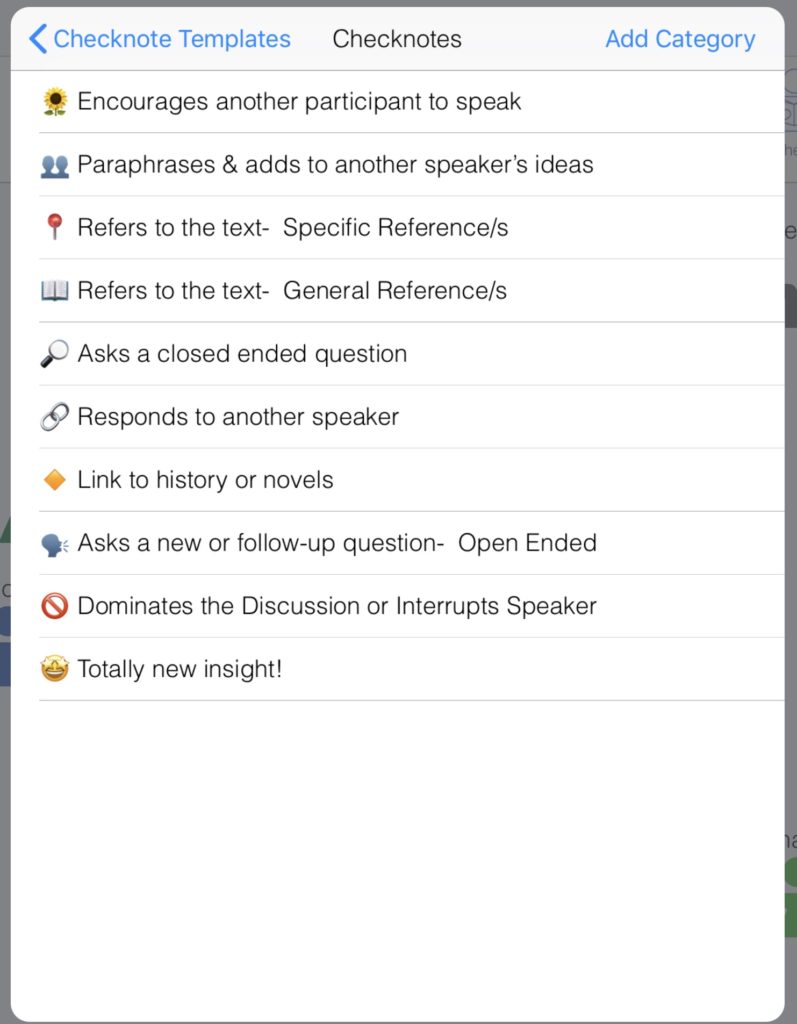
Sample CheckNote Template (Socratic Seminar):
Category:
CheckNotes
 1
1
 0
0